Say what happened
A group-chat moment, a work meeting, a post you want to make. Or skip the AI and pick a template.
 freememegen.100% free
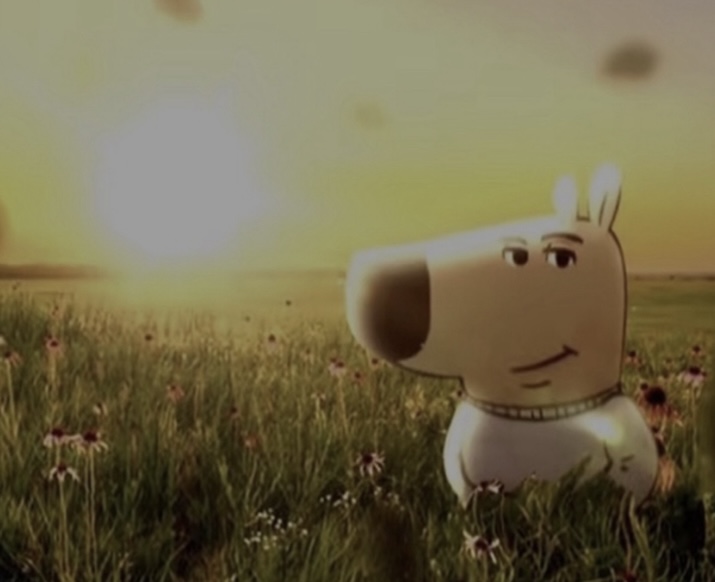
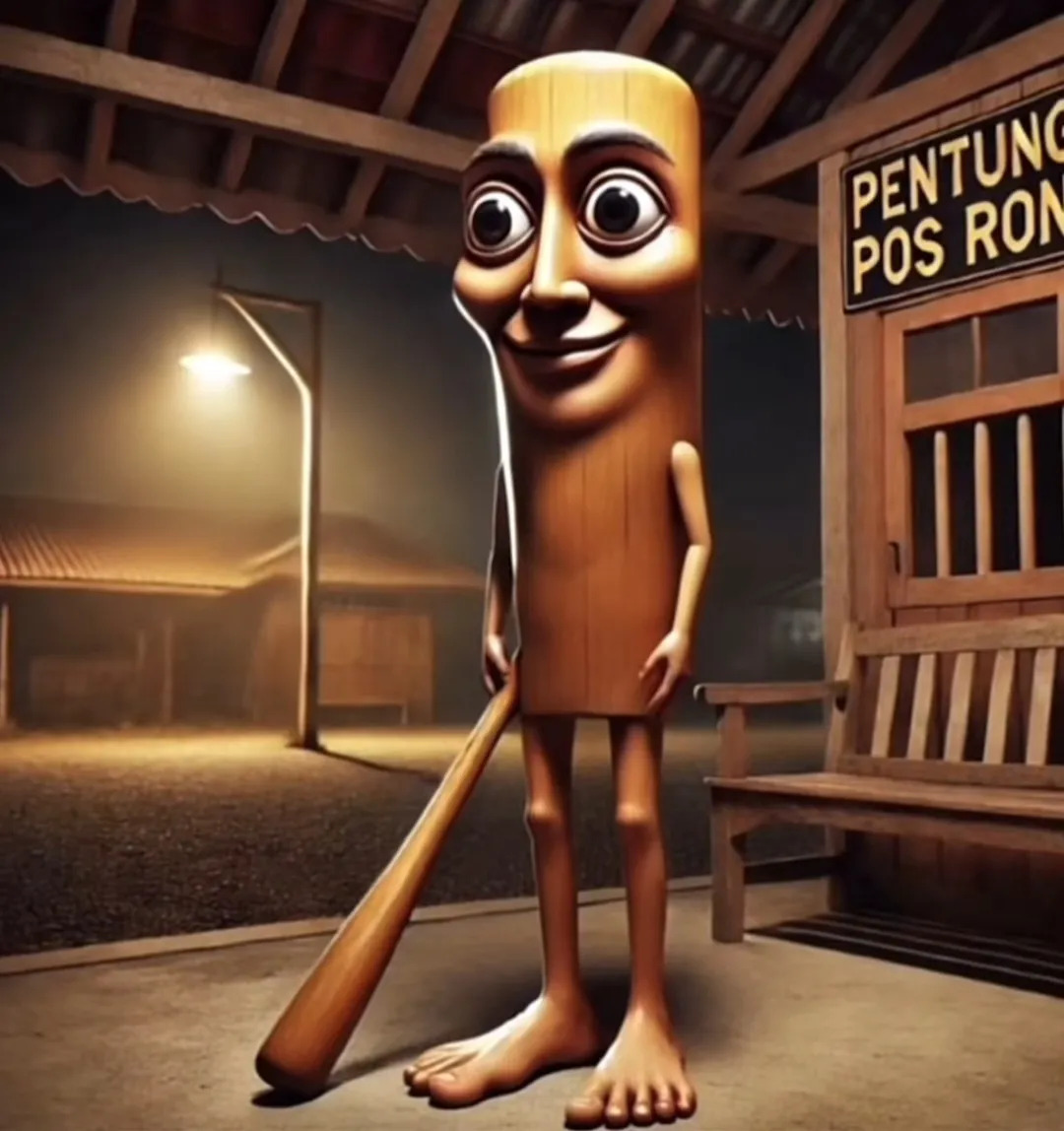
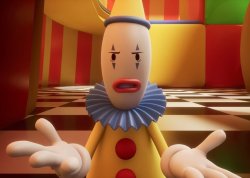
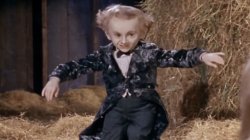
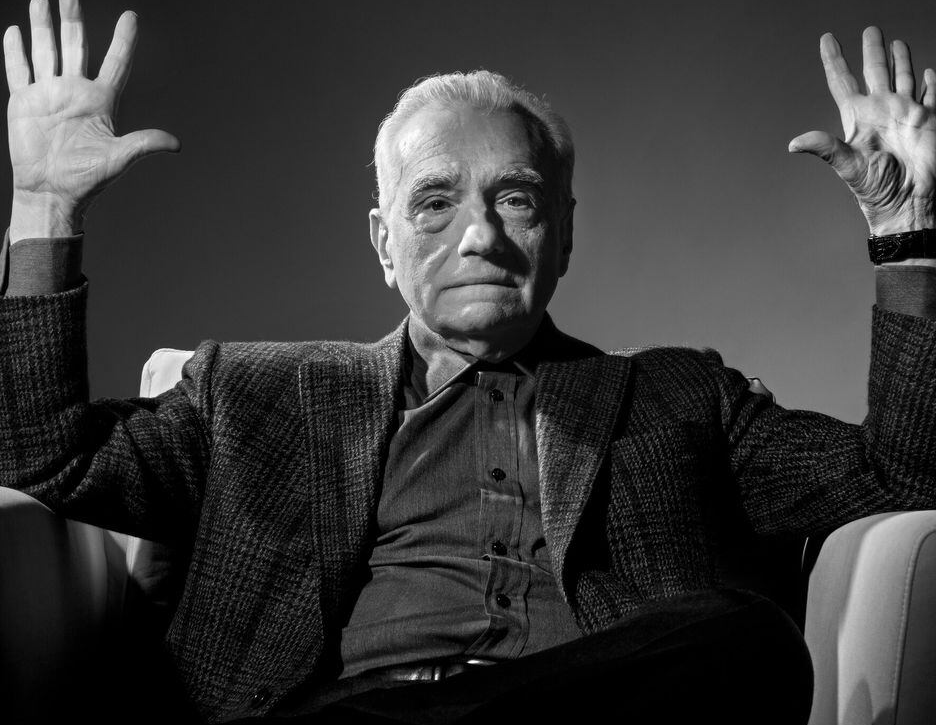
67 Kid animated template · 100% free
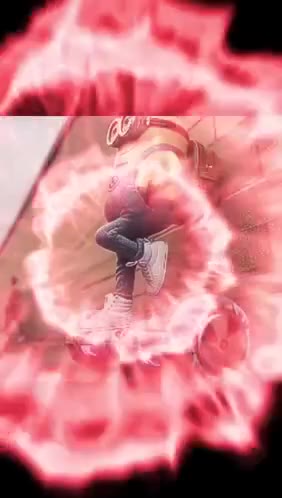
The animated 67 Kid turns a familiar cue into an instant group-chat interruption. Edit the caption below and download the GIF free — no sign-up and no watermark.
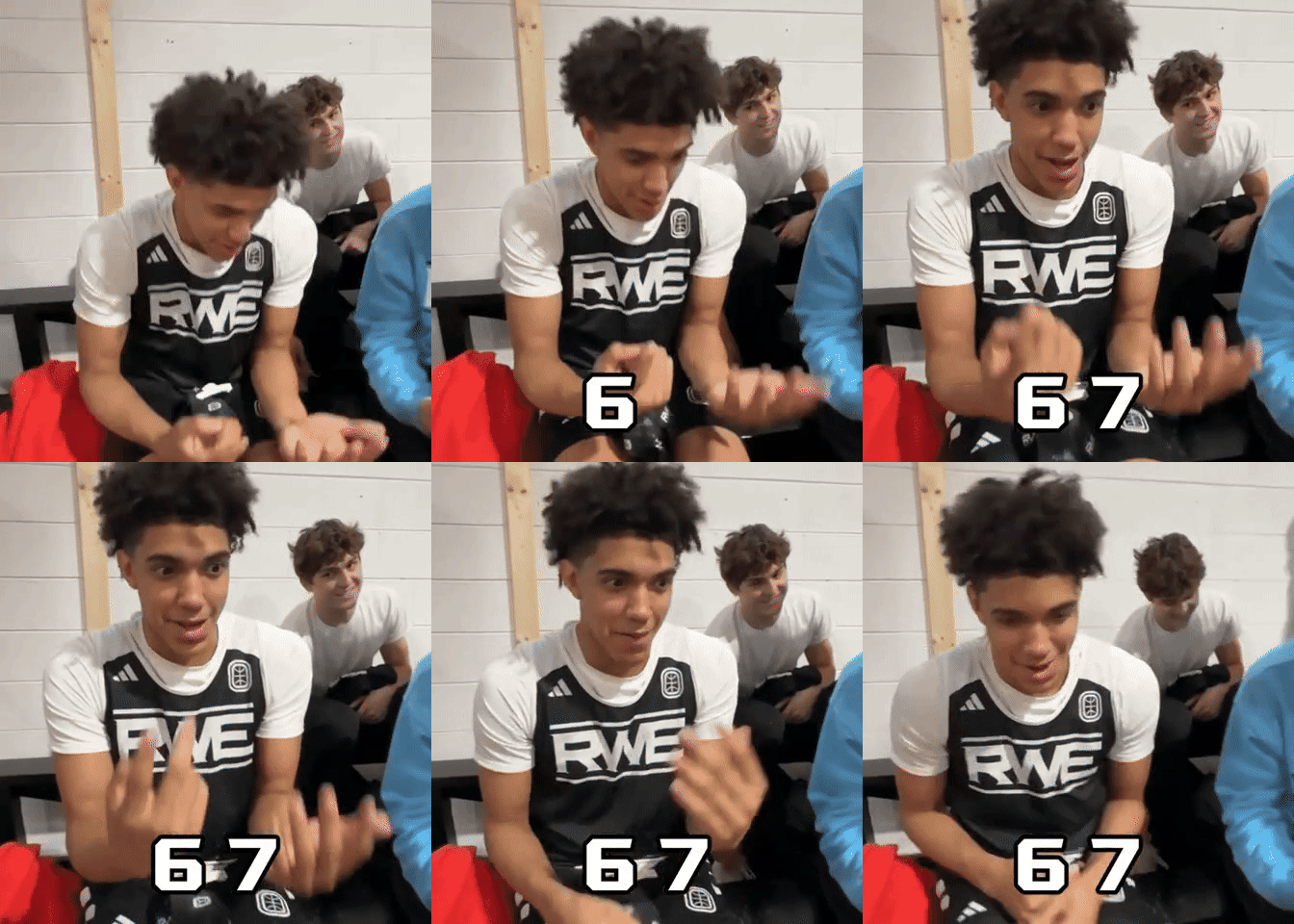
67 Kid GIFType below, or click the words on the picture
Silent looping GIF · no watermark · rendered in your browser
Need another format?Describe your idea on the home page and get one meme from each category
 GIF
GIF GIF
GIF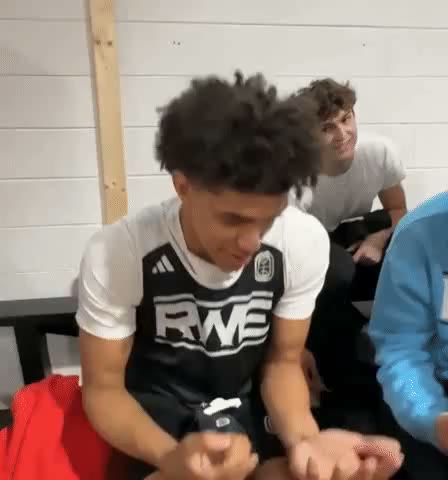 GIF
GIF GIF
GIF
 GIF
GIF GIF
GIF GIF
GIF GIF
GIF GIF
GIF GIF
GIF GIF
GIF GIF
GIF GIF
GIF GIF
GIF GIF
GIF GIF
GIF GIF
GIF GIF
GIF GIF
GIF GIF
GIF GIF
GIF GIF
GIF GIF
GIF GIF
GIF GIF
GIF GIF
GIF GIF
GIF GIF
GIF GIF
GIF GIF
GIF GIF
GIF GIF
GIF GIF
GIF GIF
GIF GIF
GIF GIF
GIF


 GIF
GIF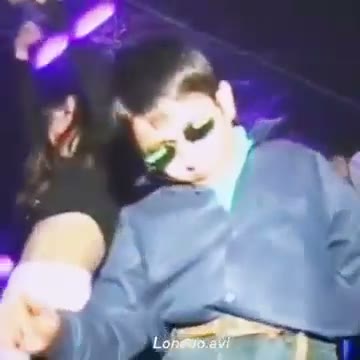 GIF
GIF GIF
GIF GIF
GIF GIF
GIF GIF
GIF GIF
GIF GIF
GIF GIF
GIF GIF
GIF GIF
GIF GIF
GIF GIF
GIF GIF
GIF GIF
GIF GIF
GIF GIF
GIF GIF
GIF GIF
GIF GIF
GIF GIF
GIF GIF
GIF GIF
GIF GIF
GIF GIF
GIF GIF
GIF GIF
GIF GIF
GIF GIF
GIF GIF
GIF GIF
GIF GIF
GIF GIF
GIF GIF
GIF GIF
GIF GIF
GIF GIF
GIF
 GIF
GIF GIF
GIF GIF
GIF GIF
GIF GIF
GIF
 GIF
GIF GIF
GIF GIF
GIF GIF
GIF GIF
GIF GIF
GIF GIF
GIF GIF
GIF GIF
GIF GIF
GIF GIF
GIF GIF
GIF GIF
GIF GIF
GIF GIF
GIF GIF
GIF GIF
GIF GIF
GIF GIF
GIF GIF
GIF GIF
GIF GIF
GIF GIF
GIF GIF
GIF GIF
GIF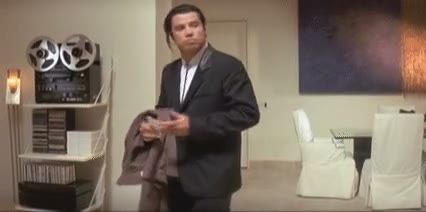 GIF
GIF GIF
GIF

 GIF
GIF GIF
GIF
 GIF
GIF
 GIF
GIF GIF
GIF GIF
GIF




















 GIF
GIF GIF
GIF GIF
GIF GIF
GIF GIF
GIF GIF
GIF
 GIF
GIF GIF
GIF GIF
GIF

 GIF
GIF GIF
GIF GIF
GIF
 GIF
GIF
 GIF
GIF GIF
GIF
 GIF
GIF
 GIF
GIF GIF
GIF


 GIF
GIF

 GIF
GIF

 GIF
GIF
 GIF
GIF GIF
GIF
 GIF
GIF
 GIF
GIF GIF
GIF
 GIF
GIF GIF
GIF
 GIF
GIF GIF
GIF
 GIF
GIF
 GIF
GIF
 GIF
GIF






How it works
A group-chat moment, a work meeting, a post you want to make. Or skip the AI and pick a template.
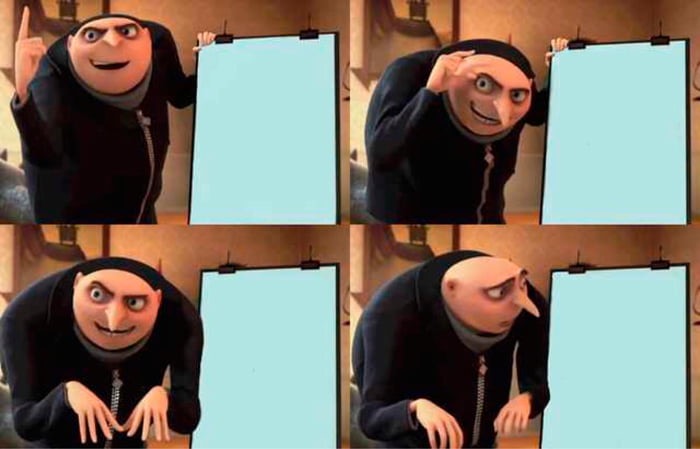
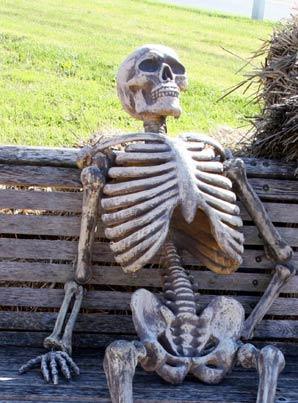
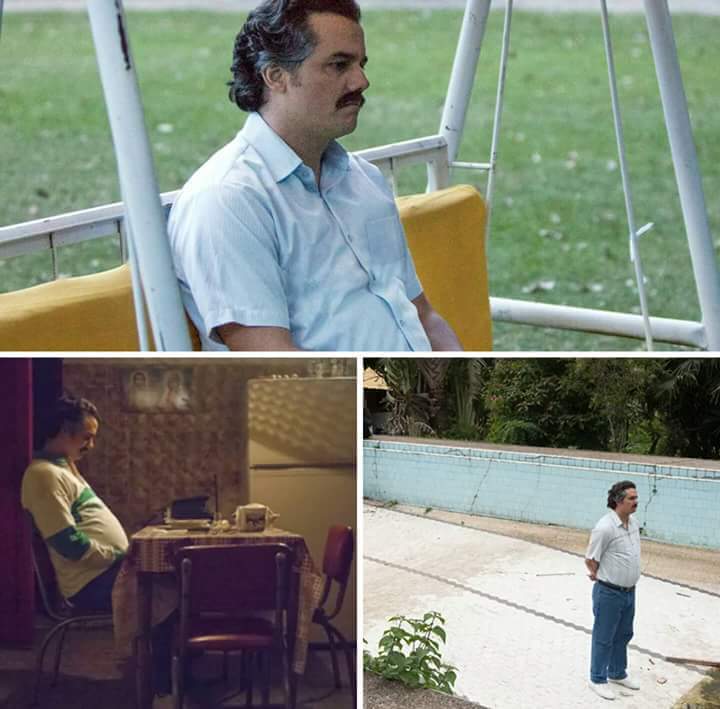
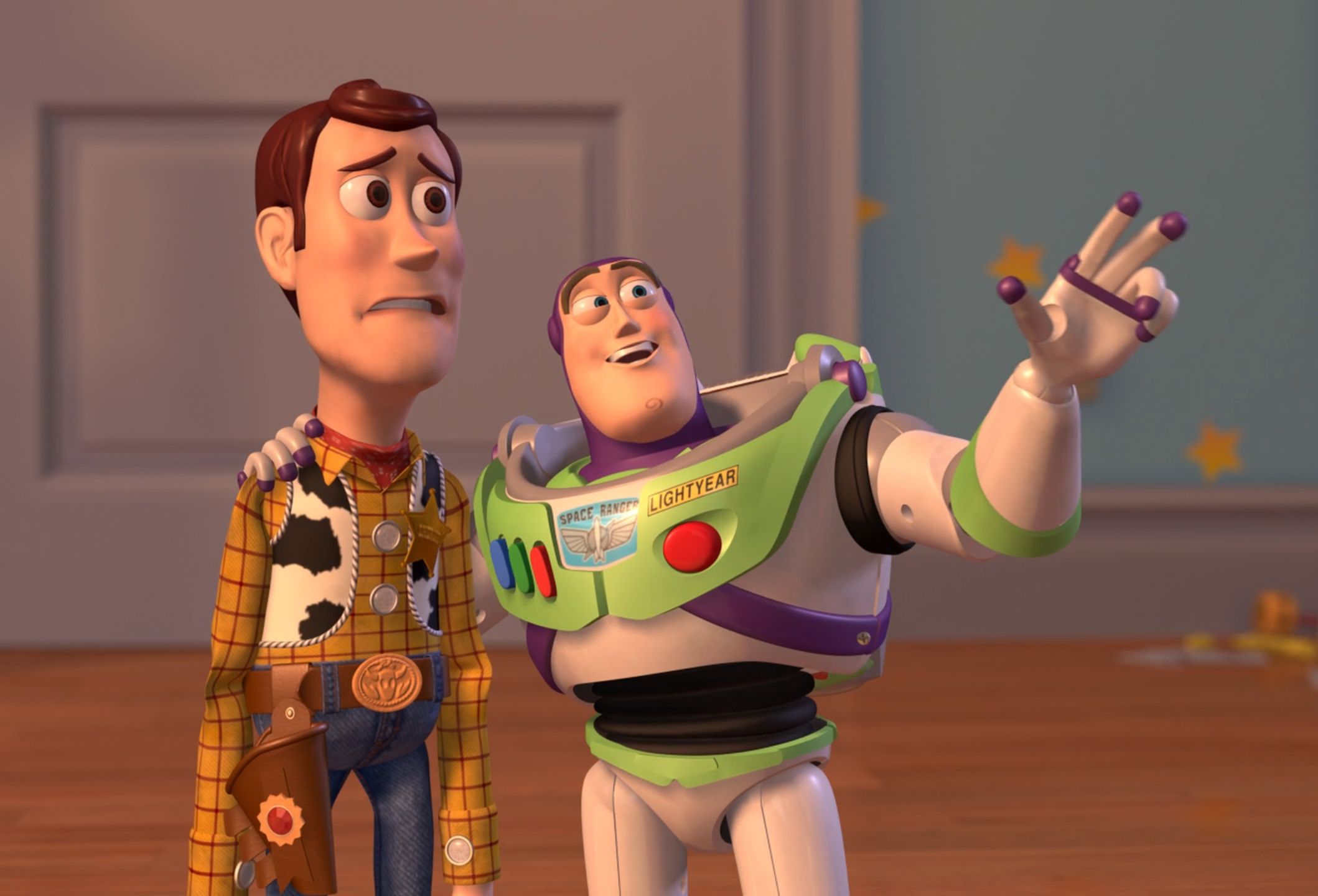
The same idea comes back as a comparison, an escalation, a denial and three other formats.
Change any line on the picture, then save a PNG or looping GIF.
67 Kid meme ideas
Use it for an inside joke or phrase that makes everyone react at once.
The animated 67 Kid turns a familiar cue into an instant group-chat interruption.
Use it for an inside joke or phrase that makes everyone react at once.
Download a clean GIF for group chats, social posts, presentations, and community replies.
FAQ
Type your words into the caption fields and the 67 Kid animation updates as you type. Then download the GIF — no account, no watermark, and the AI can write the caption for you if you would rather pick than write.
Yes. Manual template editing and PNG or GIF downloads are free in your browser. AI caption suggestions are limited to 20 requests per hour from one IP address.
No. The PNG or GIF contains only your chosen template and caption text — no freememegen logo or watermark.
A download does not grant rights to a meme template, uploaded photo, person, or caption. You are responsible for copyright, publicity rights, and whether your use qualifies as parody or another permitted use.
Your idea goes to an AI provider. We store it, generated captions, a hashed IP address and operational metadata to enforce limits and check quality. Automatic deletion is not implemented. Images and final rendering stay in your browser. Email contact@freememegen.com to request removal.
Yes. Choose “Use your image or GIF” and add a JPG, PNG, WebP, or GIF. It gets the same editable captions and free download, and it never leaves your browser.
No. It runs in the browser on phone and desktop, so there is nothing to install and nothing to sign into.
Yes. Open any template, clear the caption boxes, and download the clean PNG or GIF.
That is the main flow. Type the situation in your own words and the AI returns six captioned memes in six different formats, so you are choosing between finished jokes rather than staring at an empty box.